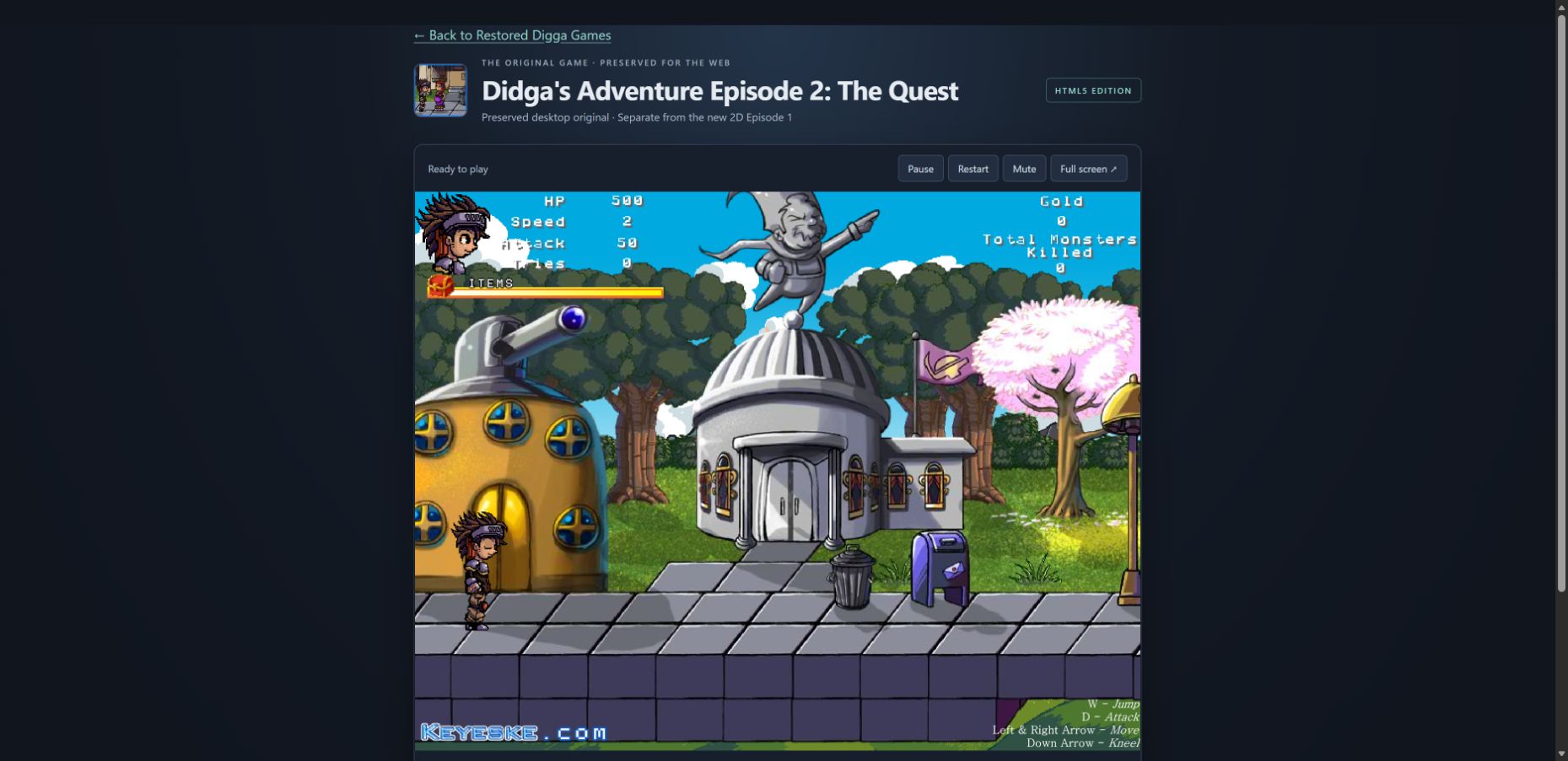
Restored Digga Games now brings together the recovered first Flash adventure and the original Didga’s Adventure Episode 2: The Quest. Both playable classics have gained controller and on-screen controls.
Two classics, preserved separately.
The first adventure plays through its recompiled recovered-source edition, with the embedded-font repairs made during recovery. Its unchanged archived export remains available for comparison; that export currently has an observed timer/input limitation in Edge.
The original second episode keeps its own artwork, music, menu and gameplay. It is separate from the new 2D Episode 1 still in development. The new 3D Episode 1 remains the current forest prototype.
A home for the whole adventure.
The website is now open at didgasadventure.com. The two new episode pages share the corrected Didga’s Adventure forest-crest logo, without a fist motif. The playable 3D forest leads the site, while the new 2D Episode 1 stays clearly marked as upcoming.
The illustrated Restored Digga Games hub brings the recovered source edition and The Quest together. A separate character-art collection shares the preserved sword-adventure cast alongside the new power-glove illustrations, and actual gameplay screenshots show the current builds.
The 3D game keeps its recorder and optional microphone. Clips download locally; they are not uploaded to a kiosk or a public gallery.
Connect, choose, and make the controls yours.
Connect a controller and press a button, then open Controller setup. Both classic wrappers use the browser’s Gamepad API. Standard gamepads have a preset; other controllers exposed by the browser can be selected and mapped to the game’s actions.
Use Assign or Clear for an action, Calibrate centered sticks to capture the resting position, and Stick dead zone to tune small stick movements. Reset mapping returns the controls to their default setup. Controller profiles are saved locally in the browser, without uploading them.
Support depends on which devices the browser recognizes as gamepads. This update does not request WebHID permissions or promise access to every USB or HID device.
A fallback you can see.
Visible on-screen buttons provide Move left, Move right, Jump, Attack, Talk / interact and Kneel. The original keyboard inputs remain available: left and right arrows to move, W to jump, D to attack, up to interact or advance dialogue, and down to crouch or kneel.
The new controls live in the surrounding browser pages and bridge into the original input. This controller update changes neither game’s SWF bytes nor its bundled Ruffle runtime.
What has been verified.
- All 53 automated tests passed across the classic input and package checks.
- Native browser checks verified movement and jumping through the input bridge in both playable classics.
- The developer confirmed that a real controller was detected locally.
Actual gameplay and remapping with that physical controller have not yet been verified. The input bridge checks and controller detection establish different parts of the work; the next hardware check will confirm how they behave together.
Keeping a record of the work.
This journal will document meaningful game, art, control and website changes with their resulting behavior, verification and current limitations. Entries are written and reviewed with each release, so the record stays tied to the work that actually happened.